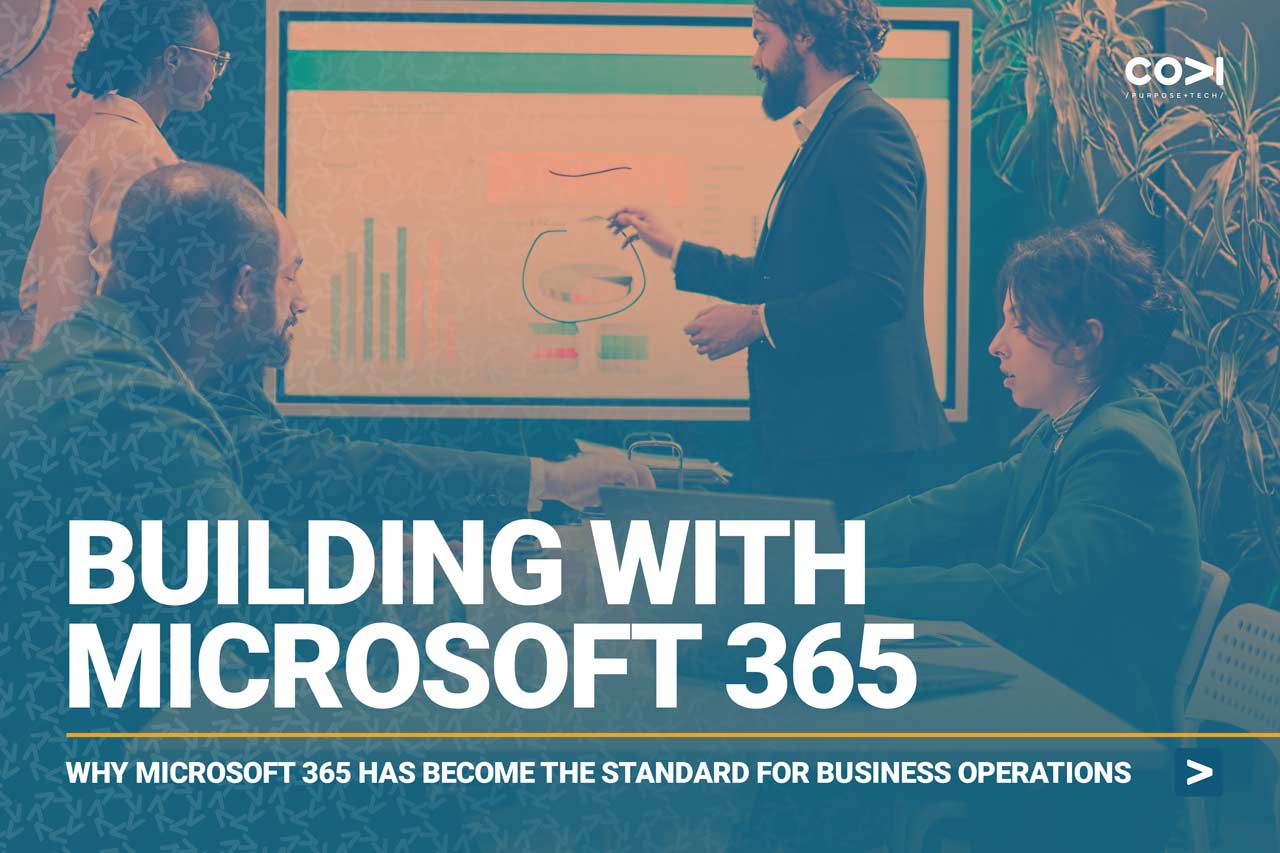
Why Microsoft 365 Has Become the Standard for Modern Business Operations
In today’s always-connected, compliance-driven, and hybrid-first world, organizations can’t afford to leave productivity and collaboration to chance. As they grow, move to the cloud, and aim for long-term stability, choosing the right tech platform isn’t just a software decision; it’s a mission-critical one.
That’s why most have standardized on Microsoft 365 for the organizations we serve. It offers the best blend of integration, security, continuity, and ease of use. Below, we break down why and how it compares to other popular platforms like Google Workspace, Zoho Workplace, Apple iCloud, and modular alternatives like Nextcloud or Slack application stacks.
What Makes Microsoft 365 Stand Out
Microsoft 365 combines familiarity and depth with enterprise-grade power. Most teams already know Outlook, Word, Excel, and Teams. But beyond that muscle memory, what truly sets it apart is how well it balances security, scalability, and business continuity.
Why it works for growing businesses:
-
Security you can trust: With tools like Microsoft Defender, Intune, and Purview, you’re covered for compliance, data loss prevention, and threat mitigation.
-
Admin control at scale: From small teams to global enterprises, Microsoft’s admin tools support granular, role-based access and full device oversight.
-
Built-in business continuity: Its cloud-first, geo-redundant infrastructure—paired with third-party backups—makes downtime nearly a non-issue.
-
Connected collaboration: Teams, SharePoint, OneDrive, and Outlook all talk to each other natively. No duct tape or Frankensteining required.
It’s the only platform we’ve found where deep technical control and intuitive user experience come together seamlessly.
How It Stacks Up Against the Rest
Here’s how Microsoft 365 compares with five other major platforms across core categories:
Feature Highlights
| Platform | Collaboration Tools | Admin & Security Controls | Offline Access | App Integration | Customization |
|---|---|---|---|---|---|
| Microsoft 365 | Word, Excel, Teams, SharePoint | Intune, Purview, DLP, RBAC | Excellent | Full Microsoft stack | High via Power Platform |
| Google Workspace | Docs, Sheets, Meet | Security Center, Context Access | Good | Chrome/Android strong | Moderate |
| Zoho Workplace | Zoho Docs, Mail, Cliq | MFA, IP controls | Moderate | Zoho-native | Moderate |
| Apple iWork + iCloud | Pages, Numbers, Keynote | Very limited | Strong (Mac only) | Apple ecosystem | Low |
| ONLYOFFICE / Nextcloud | Self-hosted suite | Fully self-managed | Varies | Manual setup needed | Very High |
| Slack + Dropbox + Notion | Best-in-class stack | No unified controls | Moderate | Wide 3rd-party integrations | Moderate |
Security & Business Continuity
| Platform | Recent Risks | Backup Gaps | Risk Score | Notes |
|---|---|---|---|---|
| Microsoft 365 | Token abuse in Azure AD | 3rd-party backup needed | Low | Mature stack with strong compliance options |
| Google Workspace | OAuth token threats rising | No native long-term recovery | Moderate | Requires 3rd-party backup like Afi.ai |
| Zoho Workplace | 2023 DDoS and outages | Limited restore tools | High | Low-cost but light on resilience |
| Apple iWork + iCloud | Minimal logging | iCloud not built for business DR | High | Not viable for regulated or complex orgs |
| ONLYOFFICE / Nextcloud | Misconfigurations = big risk | All backup is your responsibility | Variable | Requires capable in-house IT |
| Slack Stack | Slack token breach (2022) | Each app has its own backup logic | High | Data fragmentation is a real issue |
Risk scores are based on real-world resilience and platform maturity in high-demand settings.
When IT Gets Real, Microsoft 365 Delivers
| Category | Microsoft 365 | Google Workspace | Zoho | iCloud | Nextcloud | Slack Stack |
|---|---|---|---|---|---|---|
| Security & Compliance | Leader | Strong | Moderate | Weak | Varies | Fragmented |
| Admin Controls | Granular | Simple | Basic | None | Strong | None |
| Backup & Recovery | Moderate+ | Limited | Basic | Limited | Self-managed | Dispersed |
| Business Continuity | Enterprise-ready | Moderate | Risk-prone | Weak | Variable | Patchwork |
| Collaboration Experience | Teams + Office | Seamless Docs | Fair | Limited | Good w/ effort | Mixed |
Our Recommendations by Platform
| Platform | Best For | Not Ideal For |
|---|---|---|
| Microsoft 365 | Mid-market to enterprise, regulated industries, hybrid teams | Budget-only buyers with no IT oversight |
| Google Workspace | Startups, nonprofits, light collaborative use | Teams needing Excel, Access, or full IT control |
| Zoho Workplace | Solopreneurs, existing Zoho CRM users | Companies requiring audit logs or recovery |
| Apple iWork + iCloud | Apple-centric creatives and consultants | Anyone needing compliance, control, or platform neutrality |
| ONLYOFFICE / Nextcloud | Privacy-focused, tech-savvy orgs | Orgs with limited IT support |
| Slack Stack | Flexible, modular, tech-savvy teams | Businesses needing centralized admin and data control |
Final Thought: Confidence Comes from Control
As technology becomes more complex, your foundation needs to do more than “just work.”
You need control over security, over recovery, over how your team gets things done.
Microsoft 365 delivers on all of that. It’s scalable, secure, and ready for the challenges of modern business. If you’re serious about protecting your team, your clients, and your continuity. It’s time to standardize where it counts.
Let’s build confidently. Let’s build on Microsoft 365.
Bonus
When Google Workspace Is the Better Fit
| Scenario | How Google Wins |
|---|---|
| Less Mature Organizations (Small Startups & Teams) | Google’s clean, web-based apps are fast, intuitive, and require little to no training. |
| Nonprofits and Education | Google offers aggressive nonprofit and education pricing, along with tools tailored for collaborative classrooms or Chromebook-centric teams. |
| Organizations Without an IT Team | Admin console is simple and straightforward, easy to manage without a dedicated IT resource. - Risk exposure is increased. |
| Teams Prioritizing Budgets and Simplicity Over Resilience | Licenses are typically lower cost than Microsoft 365, especially if Google Enterprise features are not enabled. |
| Application Architecture with Google Drive | Some applications perform better on Drive than SharePoint. This requires investments in 3rd-Party solutions for Microsoft 365 environments. |
Where Google Workspace Falls Short
-
Hybrid Infrastructure: Google Workspace is less suited for environments that need to integrate cloud services with legacy Windows-based infrastructure.
-
Advanced Admin & Security Needs: Microsoft 365 provides more granular control, better compliance tooling, and robust endpoint management via Intune.
-
Power Users: Excel power features, Outlook rules, Access databases, and Teams integrations simply don’t have equivalents in Google Workspace.
-
Business Continuity & Recovery: Google lacks built-in point-in-time restore or native long-term backup. Third-party tools are essential for DR.
Download our free comprehensive guide: “Why Most Organizations Use Microsoft 365” and discover the security, collaboration, and business continuity advantages that make it the preferred platform for growing businesses. Download Your Free Microsoft 365 Guide